


by NOVA

Sep 25, 2026
A what is wifi gateway question on a smart-module RFQ usually needs this answer: in B2B catalogs a Wi-Fi gateway (smart-home) is a hub or bridge that joins Zigbee (or another non-Wi-Fi radio) to IP/Wi-Fi—or concentrates multi-radio traffic—not the ISP modem-router box and not a plain access point.
Lock the meaning, the hardware role, and whether a gateway SKU belongs on the quote before you name a model. Then lock upstream Wi-Fi, downstream radio family, power, and pairing ownership. Architecture logistics and Zigbee-versus-Wi-Fi protocol matrices stay on their own pages; this one only clarifies the gateway line.
The catalog home for these hubs is Smart Modules.
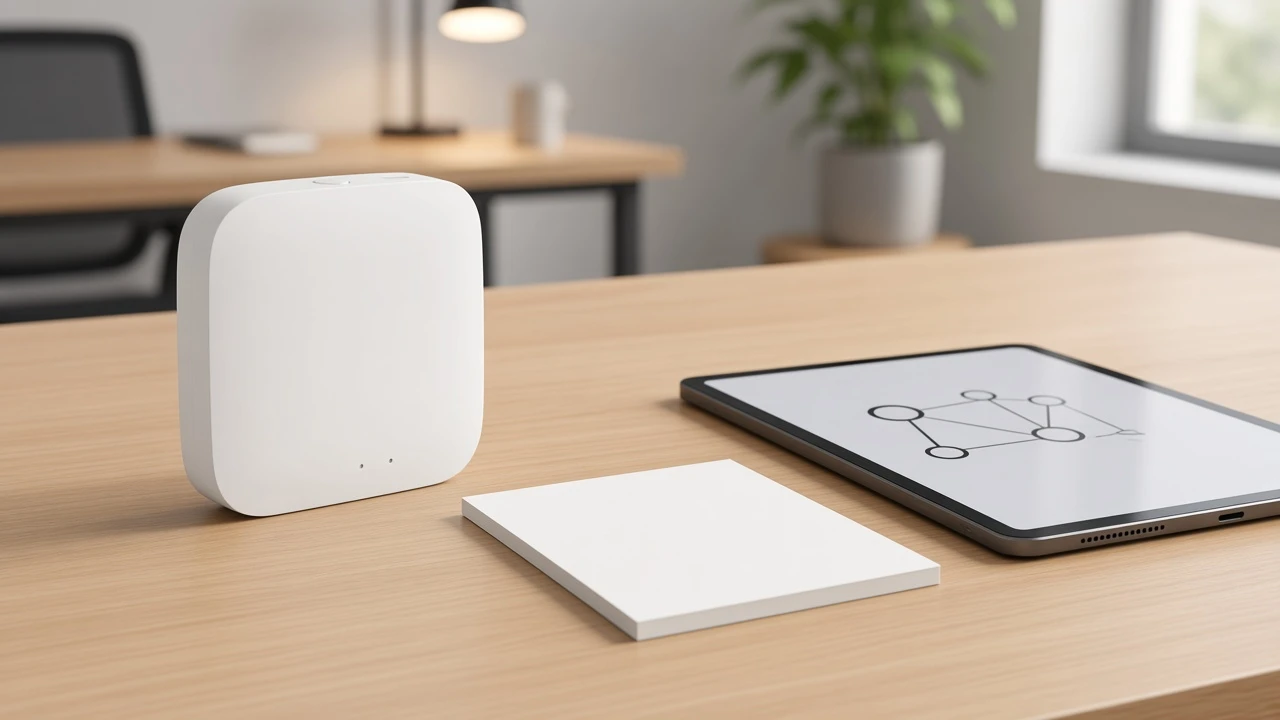
In smart-home B2B quoting, a Wi-Fi gateway — also called a smart home gateway or wifi hub when the catalog stresses concentration — is usually the device that bridges an alternate radio onto IP/Wi-Fi, or concentrates several smart-home radios in one hub.
Internet providers use the same words for a residential gateway: a modem and router combo that puts phones and laptops online. Encyclopedia and CPE guides treat that residential / ISP gateway box as the default “WiFi gateway.” Channel catalogs mean something else when the line card lists Zigbee, Bluetooth mesh, or multi-mode hubs.
If sales hears “wifi gateway” and quotes either an ISP CPE or a bare Wi-Fi access point, the BOM is already wrong. The access point joins Wi-Fi clients. The smart-home gateway translates or concentrates protocol traffic so an app or LAN can reach devices that do not speak Wi-Fi themselves.
Independent networking guides make the same split: hubs that connect different network types are really gateways. Keep the ISP meaning on the disambiguation line, then work the channel meaning for the rest of the quote.
Labels on datasheets are loose. Lock the role before you lock the SKU name.
| Role | What it does on the quote | Typical channel mistake |
|---|---|---|
| Coordinator | Forms and manages a Zigbee network (one per network); often sits inside a hub/gateway | Quoting endpoints with no coordinator/hub family |
| Access point / Wi-Fi radio | Joins IP/Wi-Fi clients to an SSID | Treating an AP as a Zigbee translator |
| Multi-mode hub | One device that states several radio stacks on the same page (for example Wi-Fi plus Zigbee plus Bluetooth mesh) | Assuming every “gateway” covers every radio |
A Zigbee path needs a coordinator. Independent Zigbee explainers put it plainly: one coordinator per network; consumer “hub” usually bundles that coordinator with an app; “gateway” or “bridge” language stresses the link into Wi-Fi, Ethernet, or another platform. Manufacturers swap those words freely, so the RFQ must spell the role, not only the marketing noun.
A Wi-Fi access point is not that role. It does not create a Zigbee mesh. A multi-mode hub is allowed only when the live product page states the radios you intend to sell together.
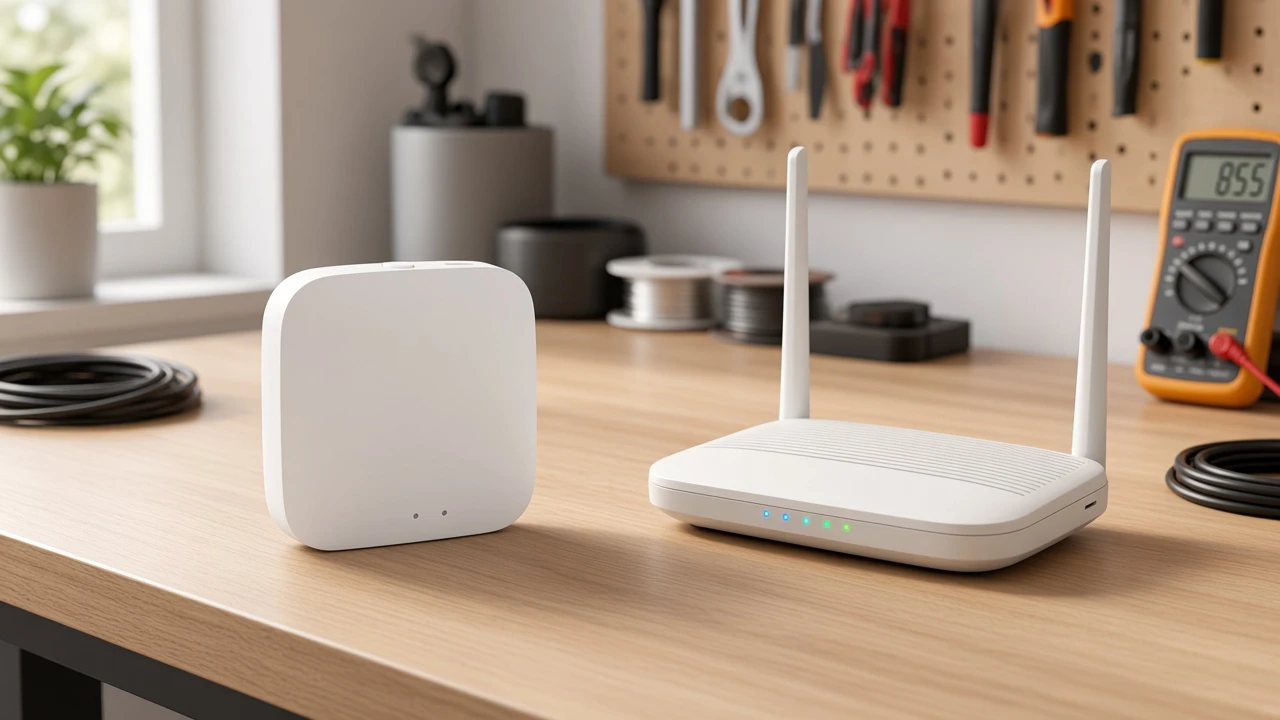
A gateway SKU belongs on the quote when the assortment uses radios that do not join the office SSID by themselves.
Zigbee endpoints are the common case. Community buyers ask the same question every week: Zigbee devices cannot connect directly to Wi-Fi, so a hub or gateway sits between the mesh and the phone. Bluetooth mesh assortments follow the same pattern when the catalog page names a Bluetooth gateway.
Wi-Fi-direct actuators are the exception. If every switch and dimmer on the project joins 2.4 GHz Wi-Fi as a client, you usually do not add a separate gateway line for protocol translation. That is when a Wi-Fi wall-switch family can stay on the quote without a hub SKU—not because “Wi-Fi is always simpler,” but because the radio path does not need a bridge.
Important: Do not mix the two paths on one vague “smart kit” price. If half the carton is Zigbee and half is Wi-Fi-direct, the Zigbee half still needs a matching gateway family even when the Wi-Fi half does not. — source: DwellWired Zigbee vs WiFi hub-required framing + Reddit r/smarthome hub expectation threads (research F/U user language)
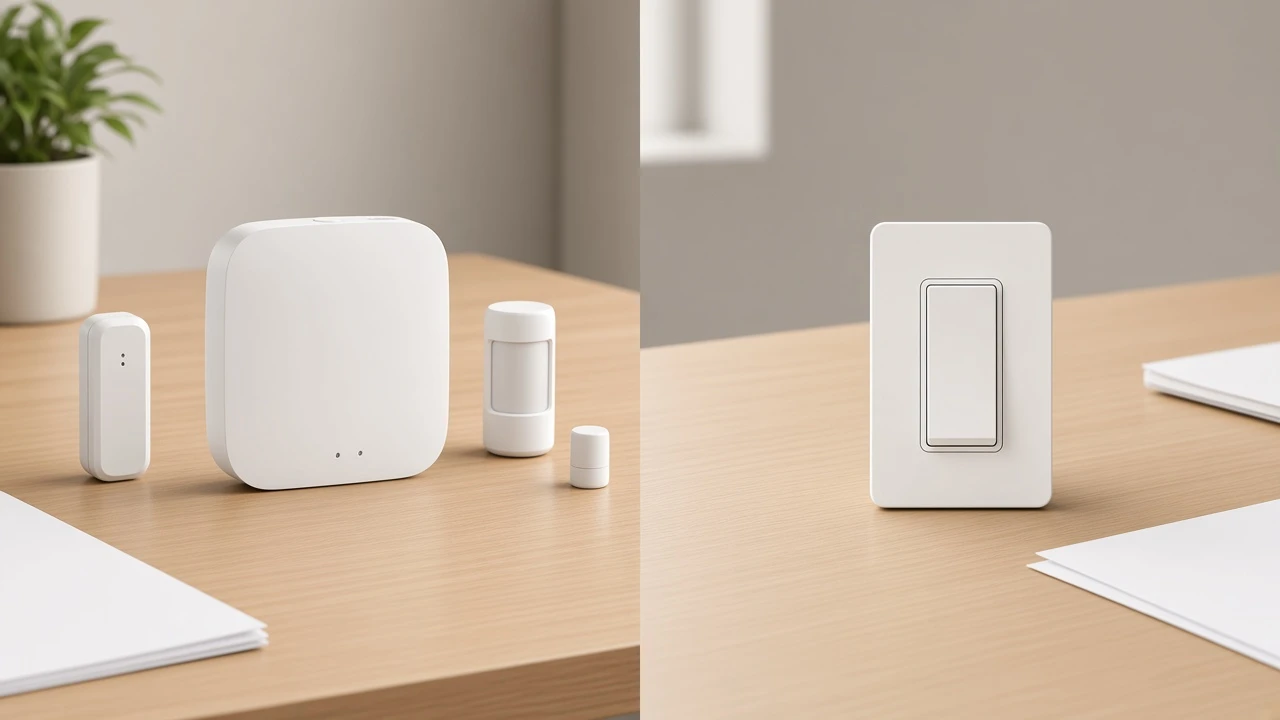
For architecture and stocking logistics of hub path versus direct Wi-Fi devices, use the live smart home hub vs WiFi comparison once. This page only decides whether a gateway SKU appears.
Close these four fields before you print a firm gateway price.
| RFQ field | What to lock | Why it fails quotes |
|---|---|---|
| Upstream Wi-Fi | Upstream 2.4 GHz Wi-Fi band and join method the hub needs (many Zigbee hubs require 2.4 GHz Wi-Fi) | Hub arrives; site only offers 5 GHz SSID for setup |
| Downstream radio | Zigbee 3.0 family, Bluetooth mesh, or multi-mode list as printed on the page | Endpoints and hub come from incompatible radio families |
| Power | Input the page states (for example Micro USB DC 5V with current rating) | Wrong adapter stocked for demo kits |
| Pairing ownership | Who runs app pairing, reset, and group control after delivery | Channel and installer argue over commissioning scope |
Those fields are definition hygiene for the gateway line. They are not a full mesh design guide and not a protocol assortment matrix. For Zigbee-versus-Wi-Fi radio choice itself, keep the decision on the live Zigbee vs WiFi comparison.
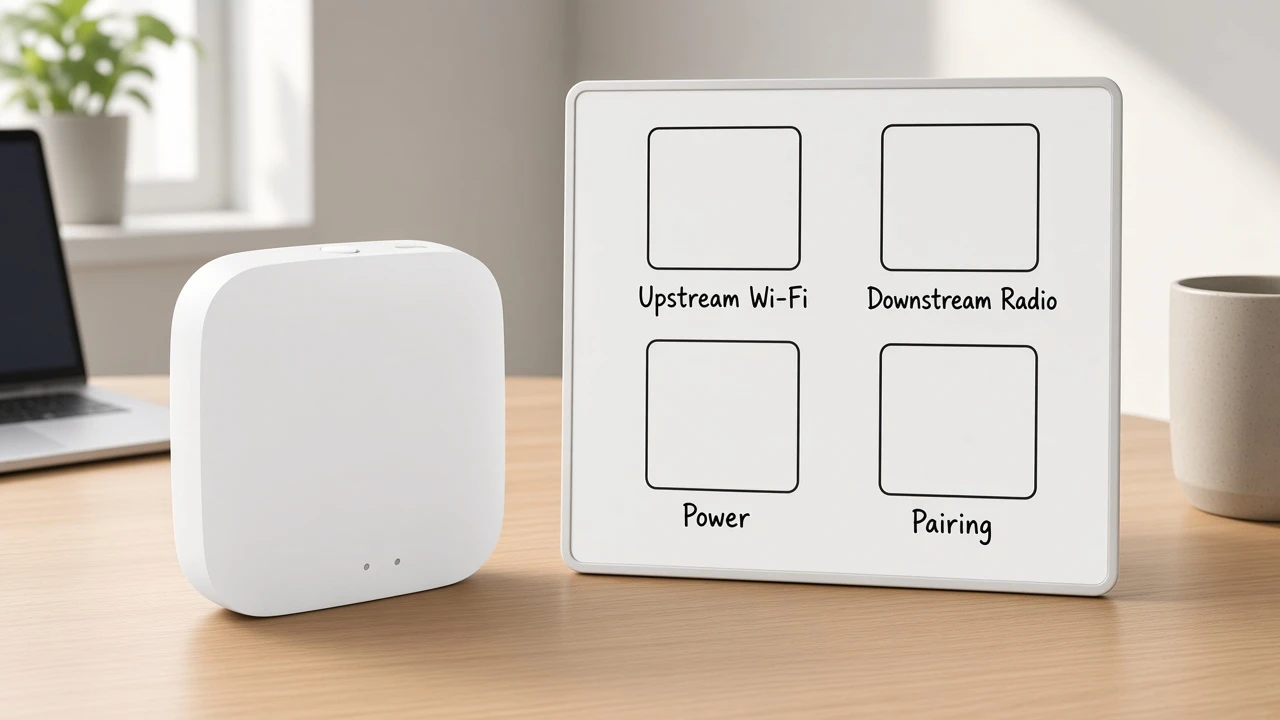
This article owns only the definition of the Wi-Fi gateway SKU for channel quoting.
The hub-versus-Wi-Fi article owns architecture and logistics: which network carries devices, BOM density, commissioning labour, and spare-part stocking. The Zigbee-versus-Wi-Fi article owns the protocol assortment decision. The Zigbee definition article owns what Zigbee is as a mesh protocol before you quote endpoints.
Cross-link those pages once when a buyer needs that next job. Do not paste their tables here. If a Thread-versus-Zigbee protocol compare goes live the same day, treat it the same way—protocol compare stays there; gateway meaning stays here.
For the Zigbee protocol baseline itself, use What Is Zigbee once and return to the gateway fields above.
When the quote needs a Tuya ZigBee 3.0 wireless gateway as the bridge and control center for matching ZigBee endpoints, point at the live MOES Tuya ZigBee 3.0 Wireless Smart Gateway Hub (ZHUB-W) — the zigbee gateway hub page that carries those facts.
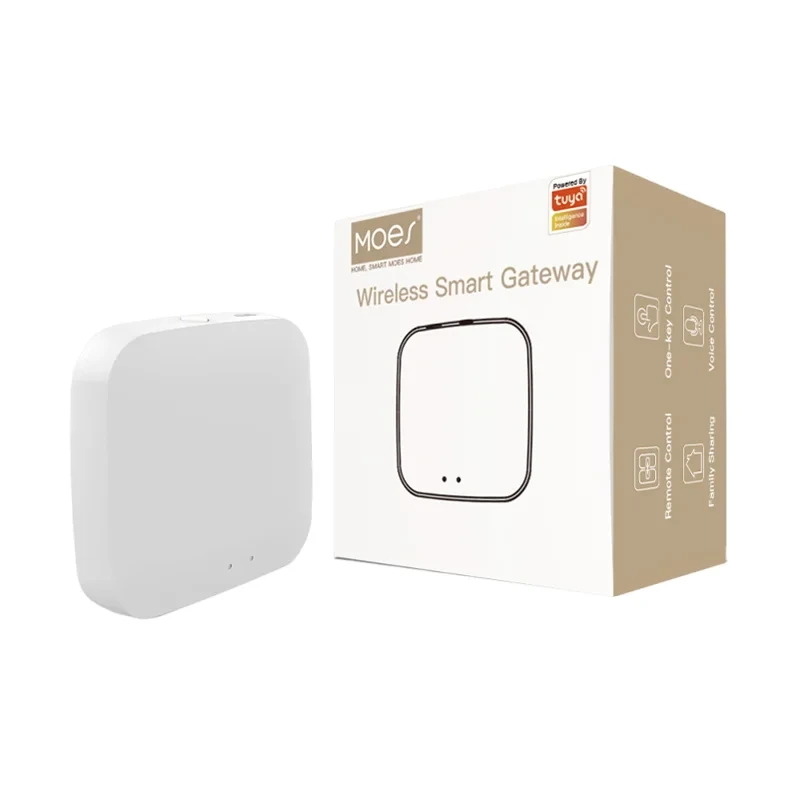
That page states the hub connects Tuya ZigBee 3.0 smart products as a bridge and control center, must work in the 2.4 GHz Wi-Fi band, uses Micro USB DC 5V power at 5V 2A electrical parameters, and lists Wireless Protocol ZigBee 802.15.4 with Frequency Band 2.412–2.484 GHz. Use those lines as written. Do not invent Matter or Thread support for this SKU.
If the RFQ names Bluetooth mesh concentration instead, open the Bluetooth mesh gateway page and copy only its printed Wi-Fi plus Bluetooth mesh parameters and Max Node value. If the RFQ names a wired multi-mode hub, open that multi-mode page and lock the printed Wi-Fi 2.4 GHz, ZigBee, BLE, and Mesh list with the electrical line that page prints. Do not copy ZHUB-W numbers onto those SKUs.
Star Feather Wi-Fi switches are not the primary recommendation on this definition page. Mention them only when the assortment is Wi-Fi-direct and the gateway SKU is intentionally absent.
It usually means a hub or bridge that joins Zigbee or another non-Wi-Fi radio to IP/Wi-Fi, or a multi-mode hub that concentrates several radios—not the ISP’s modem-router combo.
No. A router or access point joins Wi-Fi/IP clients. A smart-home gateway adds protocol translation or concentration for devices that do not speak Wi-Fi alone.
Usually no separate gateway SKU. Wi-Fi-direct actuators join the SSID themselves. Add a gateway only when non-Wi-Fi radios enter the carton.
Usually yes for app and IP control. Zigbee needs a coordinator, commonly sold as a hub or gateway that joins the home Wi-Fi or LAN.
Upstream Wi-Fi band and join method, downstream radio family, power input, and who owns pairing after delivery.
Only when the live product page states both stacks. A ZigBee-only gateway page does not authorize Bluetooth mesh endpoints, and the reverse is also true.
No. That comparison covers architecture and logistics. This page defines what the gateway SKU means and which fields close before you name it.




OTHER SMART DEVICES
Jun 13,2026
OTHER SMART DEVICES
Jun 12,2026
TUYA SMART HOME PRODUCTS
Jun 12,2026
 +86 137 3639 3028



