


by NOVA

Sep 20, 2026
A what is smart switch question, for B2B buyers, is really a class check: a smart switch is a wall-mounted switch that still turns a lighting circuit on and off at the wall, while also connecting to a network path so the same load can be commanded by app, schedule, scene, or voice once it is commissioned. For United States B2B catalog readers, this page clarifies that class against a mechanical wall switch, names the bill-of-materials fields that change on a quote, and points to the live MOES packages that already own install, uses, and protocol depth. It is not a wiring tutorial and it is not Samsung’s phone-backup software.
Upward hub: smart switch.
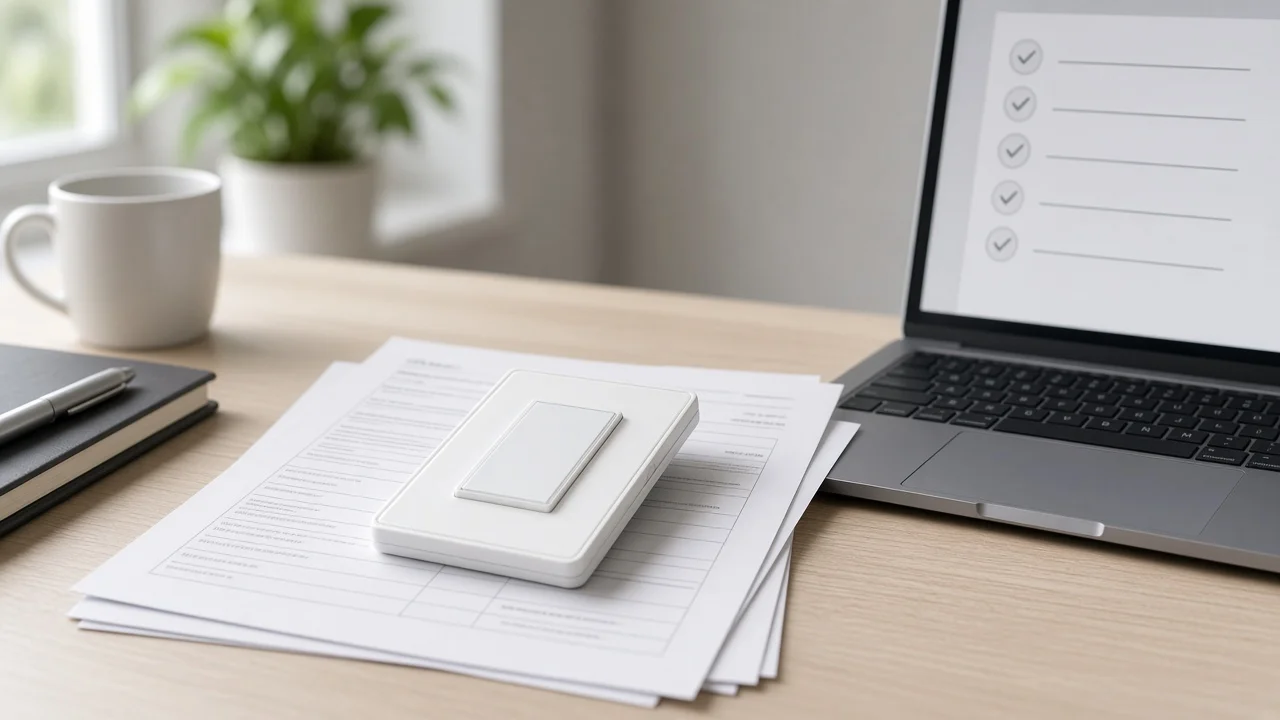
A smart switch still switches the circuit at the wall, but it also hosts electronics and a radio.
A mechanical wall switch has one job. Someone presses a paddle or flips a toggle, and the fixture follows.
Guests understand it without an app. The quote is mostly faceplate style, gang count, and a simple on/off or dimmer function.
For a longer look at wall-switch jobs in the building, see what are the functions of a wall switch.
A smart wall switch keeps that local control plane and adds networked commands. The load can still be ordinary LED lamps.
The switch, not the bulb, becomes the connected device. Channels often hear “smart light switch” and “smart wall switch” used for the same wall product class.
Against a mechanical baseline, the smart switch vs traditional switch contrast is the radio and the quote fields, not a different paddle shape.
| Topic | Mechanical wall switch | Smart switch |
|---|---|---|
| Local on/off at the wall | Yes | Yes |
| Network path for app, schedule, or voice | No | Yes, after commissioning |
| Continuous power for onboard electronics | Not required for a passive switch | Usually required so the radio stays awake |
| Quote fields beyond faceplate and gangs | Few | Protocol, neutral assumption, load class, hub line item, commissioning app |
The class change is not “more buttons.” It is a different product that must be powered, addressed, and supported after the copper is landed.
Radio path, continuous power, hub line items, load class, and app commissioning enter the quote.
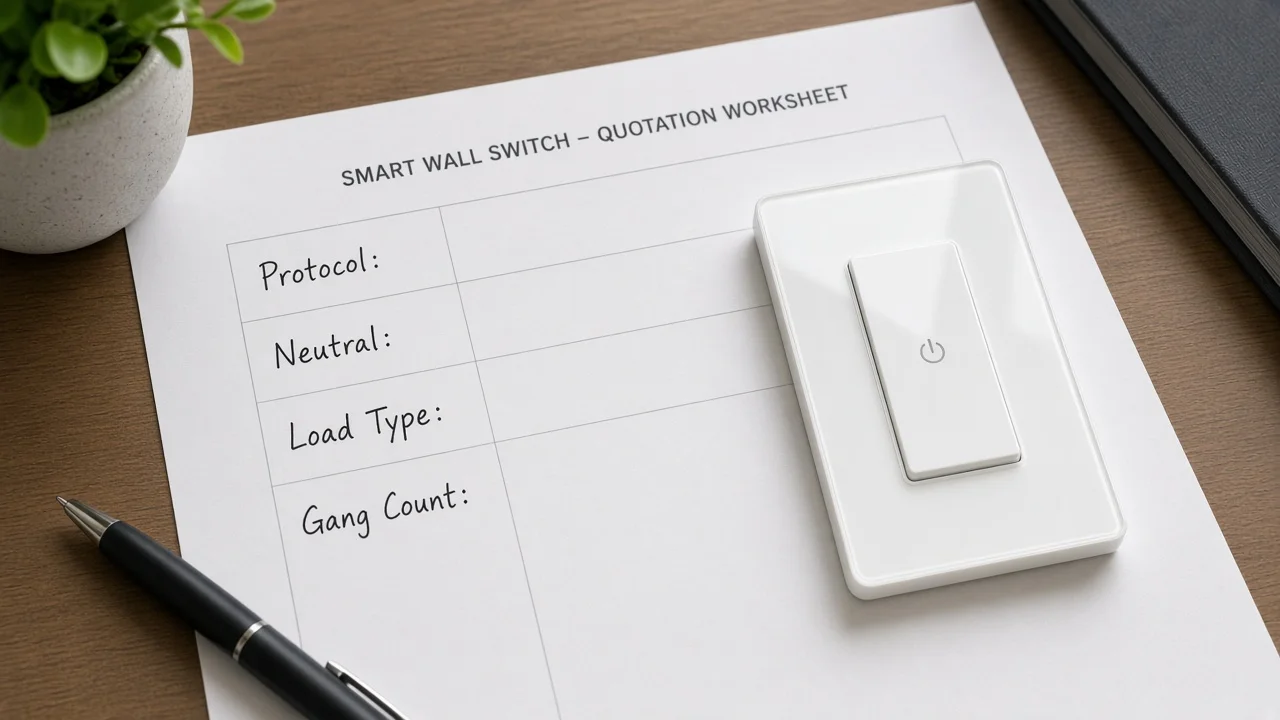
Once the RFQ says “smart,” five cost and risk lines appear that a mechanical quote never carried:
From the field: On a SmartThings no-neutral switch thread, buyers treat missing neutral and LED compatibility as purchase blockers. Capture neutral presence as a quote field, not a surprise on install day. — source: SmartThings community
Lighting controls such as schedules, dimmers, and sensors matter energetically because they cut lighting runtime. That is a control-method point, not a promise that any named wall SKU saves a fixed percent of building energy.
Wi-Fi and hub-backed radios are different BOM stories; do not collapse them.
Direct Wi-Fi switches usually assume the site already has router coverage the device can join. Hub-backed families put a hub / gateway or bridge coordinator on the bill so low-power radios can reach an IP network. Independent technical summaries of home automation describe controlled devices joining a central smart home hub, sometimes called a gateway, as a normal system pattern when the wall device does not talk IP by itself.
Community threads such as the Home Assistant Wi-Fi-only smart home discussion treat Wi-Fi density and hub-backed paths as different stocking stories.
For a full architecture comparison — density, outage behaviour, commissioning labour, spare parts — use the live package smart home hub vs Wi-Fi.
This definition page only needs the fork named so a channel does not price a Wi-Fi wall SKU into a hub-only specification, or forget the hub when the radio family requires one.
Zigbee selection depth, including US project checks for hubs and compliance, stays on Zigbee smart switch buyers guide. Do not treat this clarification article as a Zigbee taxonomy.
Lock protocol, neutral assumption, load, gang, multi-way need, and commissioning app.
When an RFQ only says “smart switch,” refuse to invent the missing fields. Lock them in writing:
| Field to lock | Why it changes the quote | Where deeper packages live |
|---|---|---|
| Protocol / radio path | Wi-Fi vs hub-backed families change SKU and spare parts | Hub vs Wi-Fi, Zigbee buyers guide |
| Neutral present in the box? | Continuous power path for the radio | No-neutral project inputs |
| Load type and rating | LED lighting vs fan/light vs mixed loads | Product amp lines; uses checklist for use cases |
| Gang count and multi-way need | Companions and travelers change copper and SKUs | 3-way / install project-input packages |
| Commissioning app and account owner | Labour and support after power-up | PC project inputs |
| Region / form factor | US vs EU faceplates are not drop-in swaps | Product pages for the named region |
Use-case mapping — on/off, dimming, fan/light, scene triggers — belongs to smart switch uses RFQ selection checklist. This page stops at class definition and field lock so the uses checklist does not get rewritten here.
Phone-migration software is a different product class; return to wall switches.
Search results for “Smart Switch” also surface Samsung Smart Switch and other Android phone-backup tools used to move contacts, photos, and apps between phones or to a PC. That software is not a wall lighting control, does not sit in a gang box, and does not belong on a lighting BOM.
If the inbound request is about phone migration or PC transfer, it is outside this article. If the request is about commissioning a wall smart switch from a computer, open how do I install smart switch on my PC instead of turning this definition into a desktop tutorial.
Install, 3-way, no-neutral, duration, PC, and uses checklist stay on their live URLs.
To keep intent clean, this page deliberately does not own:
Those jobs already have live packages under the smart switch hub, including duration inputs at how long does smart switch take to install. Link them. Do not paste them here.
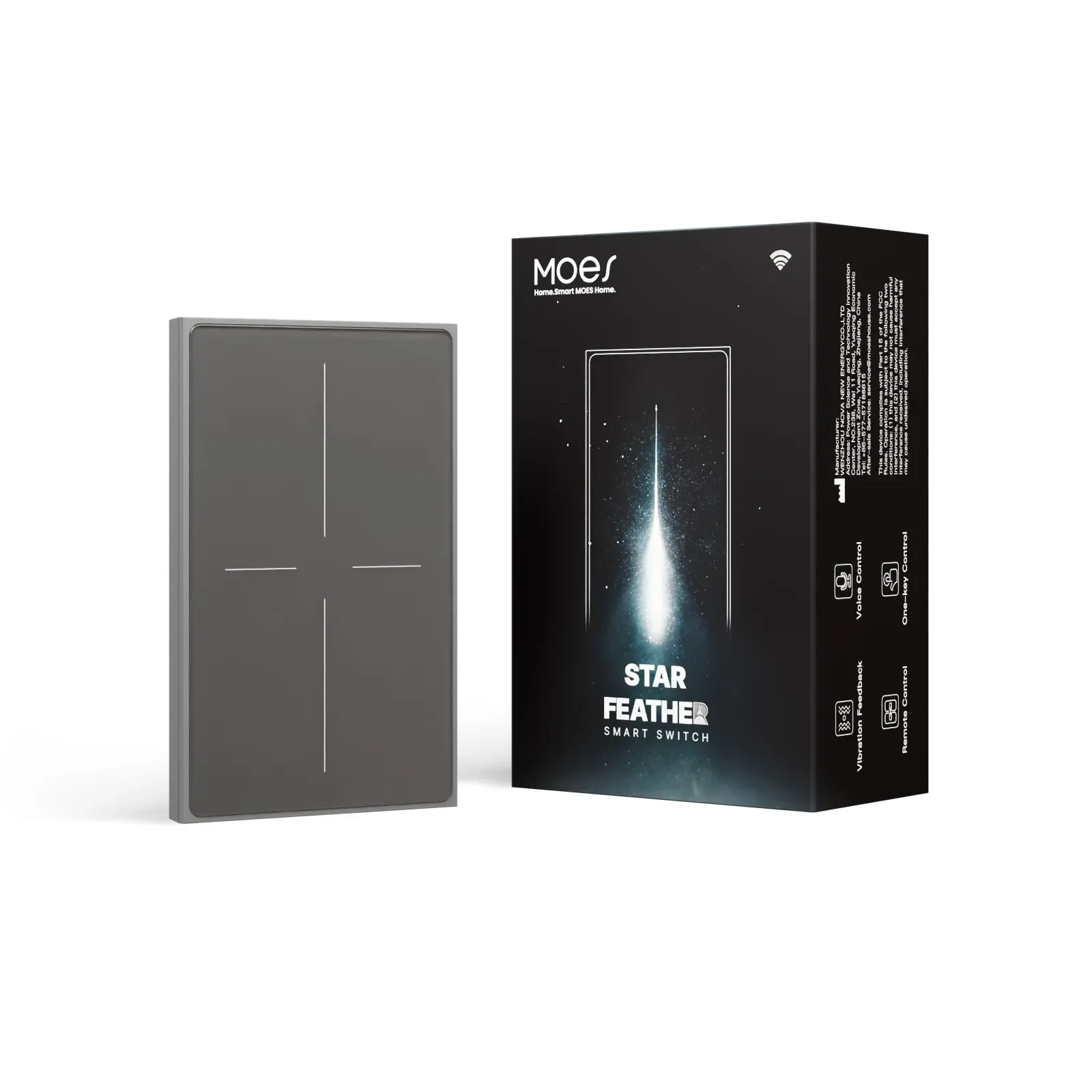
Recommend only the page-stated US Wi-Fi Star Feather ratings for United States catalog quotes.
After the channel locks a US wall form factor and a Wi-Fi radio path, a first-party reference SKU is the MOES Star Feather US Wi-Fi switch. The live page states model WS-SF-US1/2/3/4, voltage 90-250V AC at 50/60Hz, max current 10A/Gang with total 10A, wireless protocol Wi-Fi, frequency band 2.412~2.484GHz, and max RF transmit power <+10dBm.
| Page field | Stated value |
|---|---|
| Model | WS-SF-US1/2/3/4 |
| Voltage | 90-250V AC, 50/60Hz |
| Max current | 10A/Gang; Total 10A |
| Wireless protocol | Wi-Fi |
| Frequency band | 2.412~2.484GHz |
| Max RF transmit power | <+10dBm |
The same page describes anti-glare glass, full-touch operation, adjustable touch feedback, lighting and scene modes in the app, and control through mobile app, voice assistant, and touch.
Repeat those lines as page-scoped catalog facts. Do not invent Matter or Thread certification for this SKU.
Do not borrow EU Star Feather ratings onto a US quote. If the locked protocol is Zigbee rather than Wi-Fi, leave this recommendation and open the Zigbee packages instead.
It controls a lighting circuit (or a similar switched load) from the wall and, after commissioning, from app, schedule, scene, or voice paths. Local paddle or touch control remains part of the product class.
No. A smart switch can control ordinary bulbs because the intelligence sits in the wall device. Mixing a smart switch that cuts power with smart bulbs on the same circuit can take those bulbs offline when the wall device opens the circuit.
Not always. Some models join Wi-Fi directly.
Others use hub-backed radios. The quote must name which path the project standardized on before SKUs are priced.
Yes. Manual wall control remains. Networked features add remote and automated paths; they do not remove the wall interface.
Many do, because the radio needs continuous power while the load is off. Community notes on SmartThings no-neutral switch threads also flag LED compatibility risk when neutral is missing. Capture the box condition on the quote and open the no-neutral project-input package when the answer is uncertain.
Samsung and Android “Smart Switch” tools move phone data. They are not wall lighting switches. Keep phone-migration requests off the lighting BOM, and use the PC project-input article only for wall-switch commissioning questions.
This page defines the class and the fields to lock before quoting. The uses RFQ checklist maps on/off, dimming, fan/light, and scene triggers into selection inputs. Use both; do not collapse them.
Send duration questions to the install project-input package for timing, and send multi-way copper questions to the matching 3-way or brand install packages. This definition article will not republish those steps.




OTHER SMART DEVICES
Jun 13,2026
OTHER SMART DEVICES
Jun 12,2026
TUYA SMART HOME PRODUCTS
Jun 12,2026
 +86 137 3639 3028



