


by NOVA

Oct 06, 2026
How does zigbee work on a B2B quote? As a low-power zigbee mesh network: one zigbee coordinator forms the network, powered routers extend paths, and sleepy end devices report through a parent.
That sequence is what procurement needs before SKU names. Lock hub dependency, channel, power class, and pairing model from the same path.
Browse modules on Smart Modules. For the protocol noun alone, see What Is Zigbee.
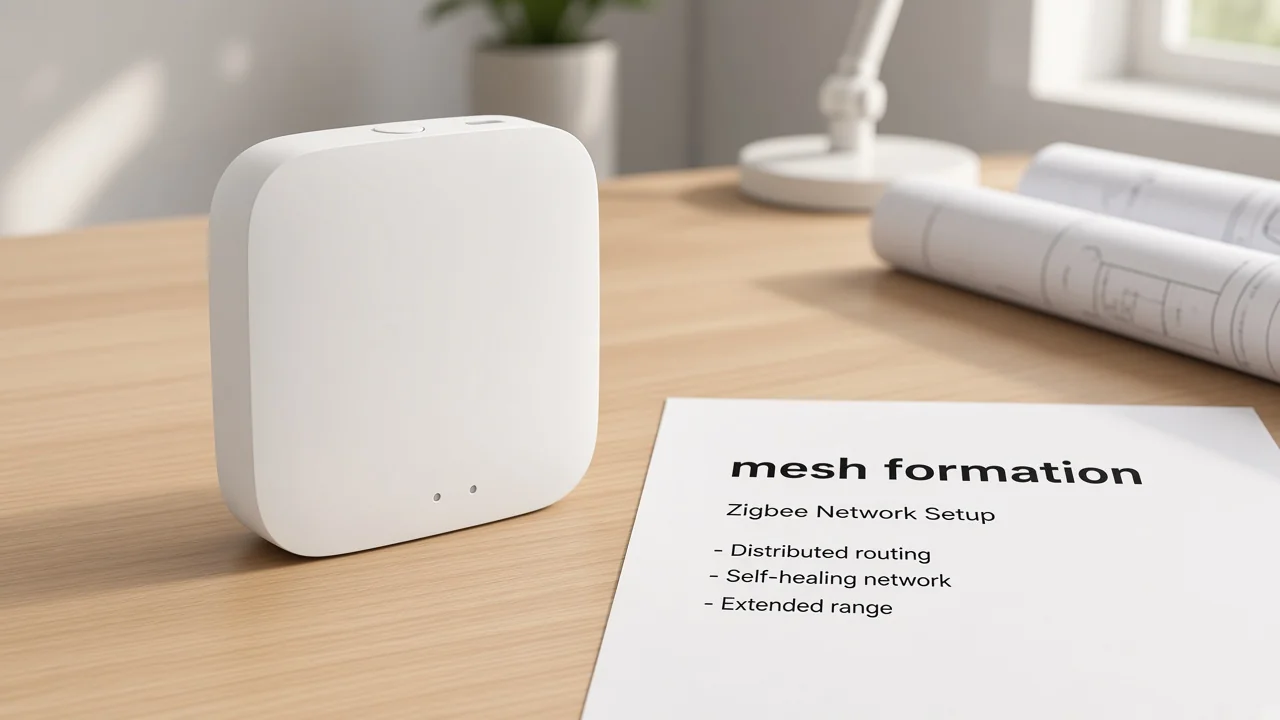
Zigbee starts when one coordinator forms the PAN, picks channel and network identity, then keeps routing.
Silicon Labs’ node-type notes put a hard ceiling on that first step: at most one coordinator on a single network. That node selects a channel after scanning and chooses an extended PAN ID. After the network exists, the same coordinator continues as a router.
Digi’s coordinator operation page names the same Channel / PAN ID start sequence in procurement language: channel, PAN ID, security policy, and stack profile. Only that device type can start the network. Once the PAN is up, it can permit joins and still route packets.
CSA’s Zigbee FAQ places the radio under IEEE 802.15.4 and notes that local connectivity can keep working if the internet is down. Read that as stack-level local mesh behavior, not a lab certificate for one carton.
A lighting distributor staging a pallet of battery sensors still needs that first network-forming node on the sheet. Without it, there is no PAN to join and no stable place to open permit-join.
Consumer catalogs call that object a zigbee hub. Forum language does the same. This page keeps the mechanism: formation first.
The boxed hub appliance story lives on What Is A Zigbee Hub.
Powered routers stay awake to relay traffic and parent sleepy children; they do not sleep like battery sensors.
Silicon Labs states routers provide routing services and are not designed to sleep while a network is established. Zigbee2MQTT’s network notes add the field reality: routers may store messages intended for their children and can act as gatekeepers when new nodes join.
Installers feel that rule when a floorplan has only battery leaves. The mesh has nowhere to land between rooms. Mains plugs, modules, and other always-on Zigbee nodes become the backbone after the coordinator exists.
Community threads keep asking whether every non-battery device “acts as a router.” Hubitat community mesh threads prefer reliable mains-powered Zigbee routers as the backbone.
Treat participation as a printed device behavior, not a slogan. Stock routers that stay powered for the job, then place sleepy sensors.
| Mesh step | What happens | Quote implication |
|---|---|---|
| Form | Coordinator starts one PAN | One network-forming path on the sheet |
| Extend | Routers stay powered and relay | Plan mains backbone density |
| Report | Sleepy leaves poll a parent | Do not expect battery SKUs to carry traffic |
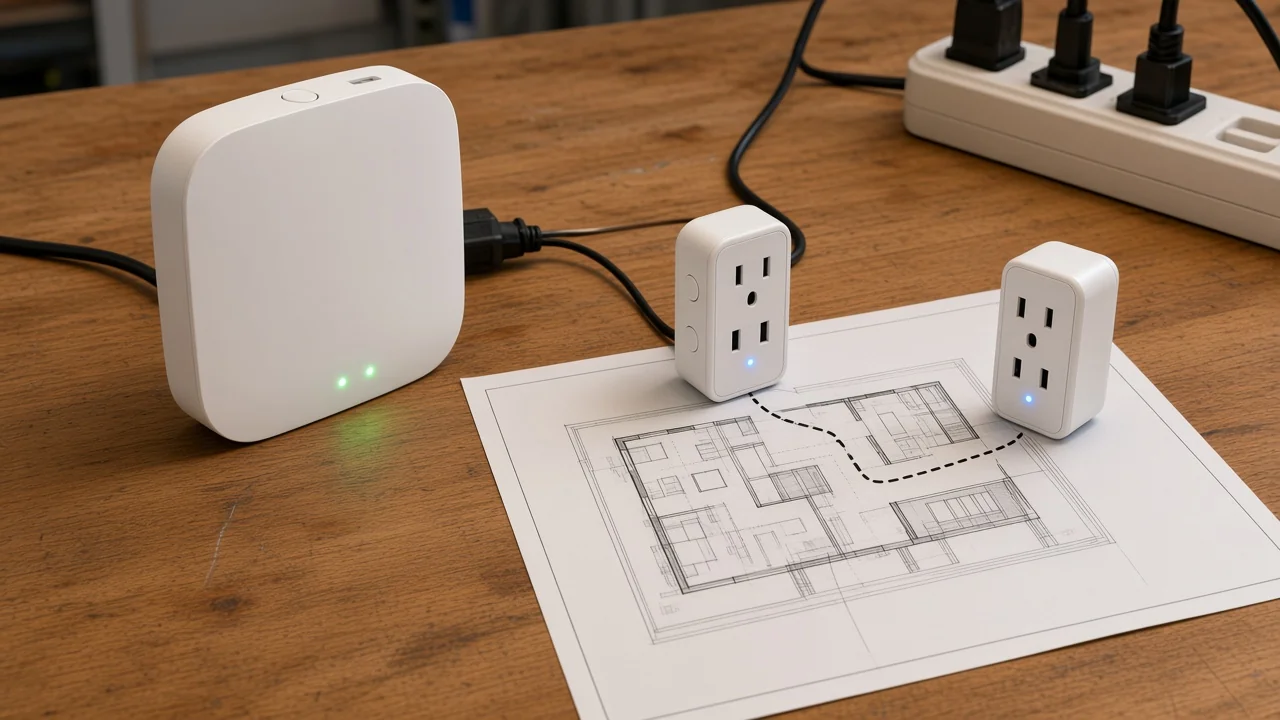
Sleepy end devices poll a parent node and do not relay other nodes’ traffic.
Silicon Labs describes sleepy end devices as radios that power down when idle. They must poll their parent to receive messages; nothing is pushed while they sleep. Zigbee2MQTT repeats the leaf rule: an end device has one parent, and all traffic to and from that leaf goes through the parent.
If that parent later drops offline, child traffic can stop until the leaf times out and finds a new parent. Some models need a re-pair. That is why a “sensor-only” cart fails after a plug is removed from a hallway.
Important: Keep at least one reliable powered parent near clusters of battery devices. Unplugging a key router is a common field failure mode, not a rare edge case. — source: Zigbee2MQTT Zigbee network notes
Full role language for end device versus router versus coordinator belongs on What Is A Zigbee Device. This section only needs the reporting path: leaf → parent → mesh.
Hub dependency, channel, power class, and pairing model follow directly from that join-and-route path.
Hub dependency. When a module page prints a hub requirement, the quote needs a network-forming path. MS-105Z states a special Tuya ZigBee 3.0 hub is required and that the device is added to that hub. Do not treat “ZigBee 3.0” alone as proof that any coordinator will open the join window.
Channel. Digi’s start sequence and Silicon Labs’ formation notes both put channel selection on the coordinator when the PAN is created. CSA notes Zigbee’s 2.4 GHz channel set and Wi-Fi overlap risk. Put the planned channel (or “factory default / to be surveyed”) on the RFQ so site Wi-Fi and Zigbee are not planned in silence.
Power class. Routers and hubs stay powered; sleepy leaves sleep.
ZHUB-W prints 5V 2A on Micro USB DC5V. MS-105Z prints 90-250V AC 50/60Hz with Max. Power 75W at 110V / 150W at 220V.
Those rails are different quote lines even though both sit on the same mesh story.
Pairing model. Digi states the coordinator can allow joins after the network exists; routers can also participate in allowing joins. ZHUB-W pairing copy lists adding devices, device reset, third-party control, and group control in the owner app, and limits compatibility to Tuya ZigBee 3.0 smart products. Print who opens join and which family lock applies.
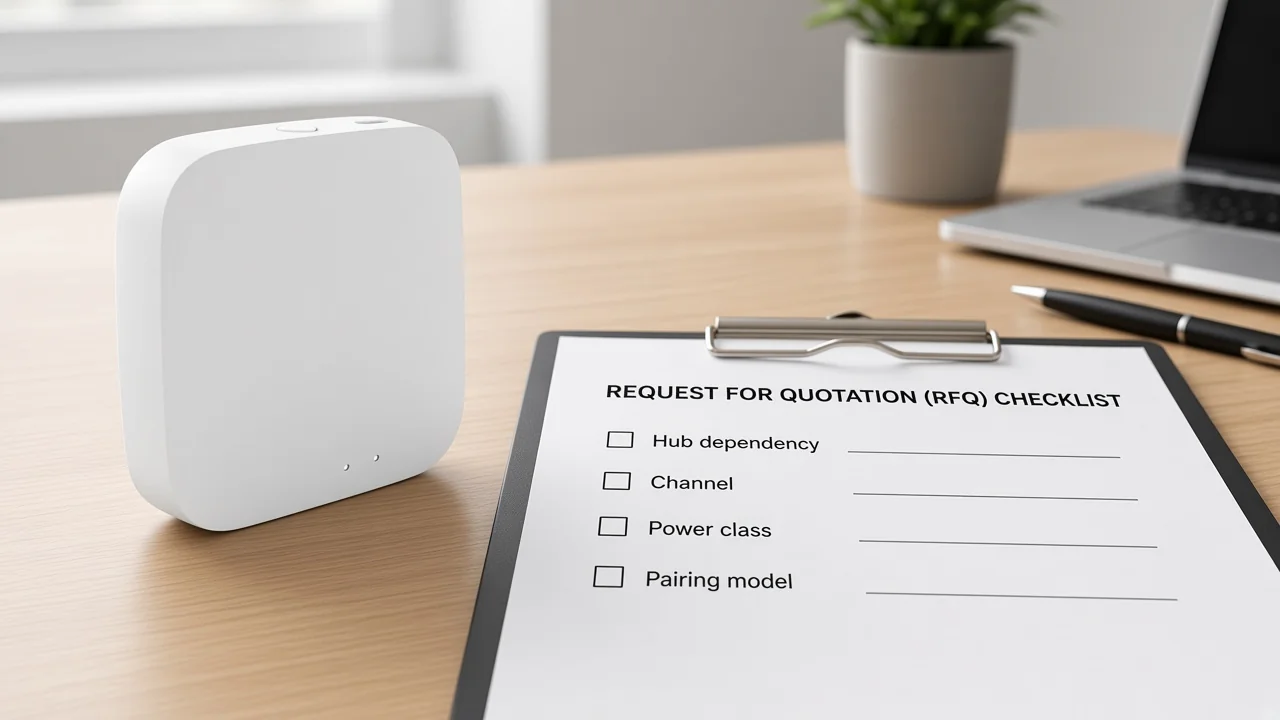
Zigbee’s 2.4 GHz channel is a coexistence field beside Wi-Fi, not proof that Zigbee is Wi-Fi.
CSA’s FAQ roots Zigbee in IEEE 802.15.4 and notes operation in the global 2.4 GHz band with a defined channel set. It also discusses Wi-Fi overlap and mechanisms that reduce interference risk. Live search explanations often repeat the same coexistence caution for channel planning.
ZHUB-W adds a carton-level note that the zigbee hub must work in the 2.4 GHz Wi-Fi frequency band. Read that as the hub’s app/setup uplink path, not as evidence that Zigbee packets ride an access point association.
A full Zigbee-versus-Wi-Fi decision matrix belongs on Zigbee vs Wi-Fi. Here the only job is to keep channel as a mechanism field on the quote.
This page owns the join-and-route mechanism; sibling pages own the protocol noun, device roles, and hub appliance.
For the protocol noun before quoting, use What Is Zigbee. That page does not walk form → extend → report as the primary job.
Role catalogs for end-device, router, and coordinator live on What Is A Zigbee Device. Here those labels stay as verbs in the mesh path only.
When the RFQ needs the boxed hub appliance and carton fields, open What Is A Zigbee Hub. This how-it-works page only points at that appliance as the network-forming step.
Protocol comparisons (Zigbee vs Wi-Fi, Thread, Bluetooth, Matter) and Home Assistant stack choice (ZHA vs Zigbee2MQTT) stay on their own posts. Do not expand this clarification into those matrices.
Two MOES pages fit this mechanism path as bounded printed examples: ZHUB-W and MS-105Z.
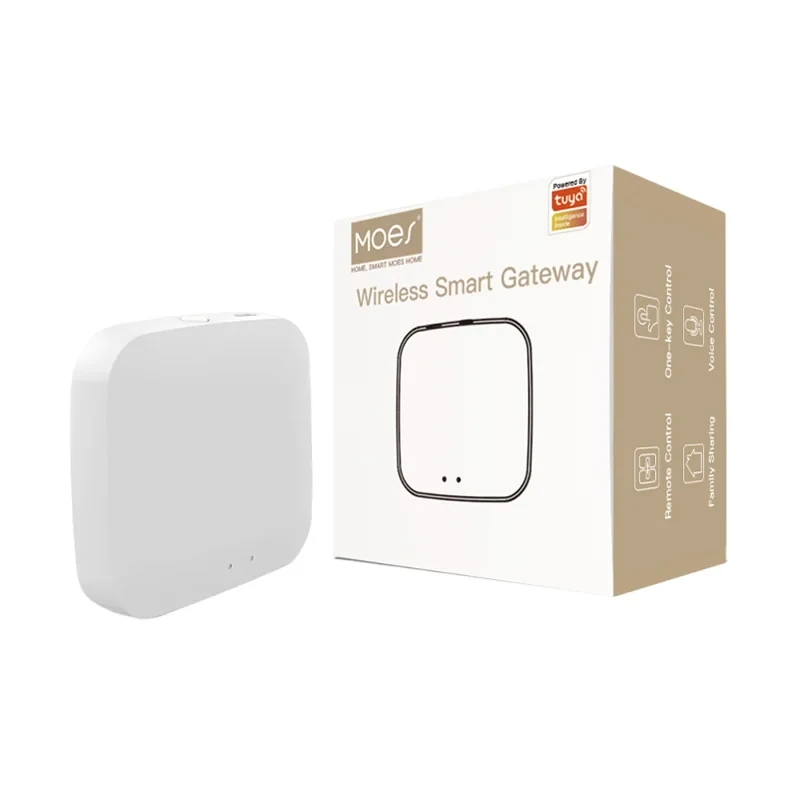
See the MOES Tuya ZigBee 3.0 Wireless Smart Gateway Hub (ZHUB-W) for the printed coordinator-path appliance: Tuya ZigBee 3.0 only, 5V 2A Micro USB, Frequency Band 2.412-2.484GHz, and the 2.4 GHz Wi-Fi band note for setup. Wireless Protocol ZigBee 802.15.4 is printed on the same table. The page does not print a child-device count; leave that cell blank unless a datasheet supplies one.
The Moes Tuya ZigBee 3.0 Smart Dimmer Switch Relay Module (MS-105Z) prints the join side of the same story.
It states ZigBee 3.0, a special Tuya ZigBee 3.0 hub required, add-to-hub pairing, and home-LAN language when the wider network is weak or absent.
Electrical lines on that page only: Voltage 90-250V AC 50/60Hz; Max. Power 75W at 110V / 150W at 220V; Frequency Band 2.400-2.483GHz. The page does not label the module as coordinator, router, or end device.
| Printed example | Mechanism role on this page | Printed fields to copy |
|---|---|---|
| ZHUB-W | Network-forming hub path | Tuya ZigBee 3.0 only; 5V 2A; 802.15.4; 2.412-2.484GHz; 2.4 GHz Wi-Fi note |
| MS-105Z | Hub-required join example | Hub required; 90-250V AC; 75W/150W; 2.400-2.483GHz |
Use both pages as printed mechanism examples, not as a universal Zigbee interoperability warranty. More modules sit on Smart Modules.
One coordinator forms the mesh, powered routers extend it, and sleepy end devices report through a parent — so the quote locks hub dependency, channel, power class, and pairing.
Often yes when the device page requires a hub for app join. MS-105Z prints a special Tuya ZigBee 3.0 hub requirement. Simple 1:1 remotes without an app path are a different project shape.
No. Zigbee rides IEEE 802.15.4 mesh behavior; Wi-Fi is a different radio job.
Channel coexistence still matters on 2.4 GHz. See the Zigbee vs Wi-Fi comparison when you need a full matrix.
Mains-powered routers stay awake to relay and parent sleepy children. A sensor-only cart leaves the mesh without a backbone.
Sleepy children that depended on that parent can stop reporting until they find a new parent or are re-paired. Plan powered parents before dense battery clusters.
CSA states local connectivity can continue without cloud/internet. Treat that as stack-level language. App or remote features that need the hub’s IP/Wi-Fi uplink are a separate path — ZHUB-W prints a 2.4 GHz Wi-Fi band note for that setup.
ZHUB-W prints the Tuya ZigBee 3.0 hub/coordinator-path example. MS-105Z prints a hub-required module join. Both are page-scoped examples, not a blanket any-Zigbee claim.
This page owns how the mesh forms, extends, and reports. The protocol noun, device-role catalog, and hub appliance definition stay on their sibling posts linked above.




OTHER SMART DEVICES
Jun 13,2026
OTHER SMART DEVICES
Jun 12,2026
TUYA SMART HOME PRODUCTS
Jun 12,2026
 +86 137 3639 3028



