


by NOVA

Oct 08, 2026
A smart wall switch opens or closes the circuit for the load named on its listing, and it can hand that circuit to a schedule or a scene when the same page prints those controls. Channel teams who type what does smart switch do are asking for that job, on a plate a guest can still press. The rest of this page sorts the job by load class, then stops at the protocol, gang, and neutral wire flag printed on the listing.
The smart switch hub groups Tuya wall and load-control listings for distributors, installers, and OEM buyers. A smart light switch on that hub is lighting load control hardware, which is a different object from a phone data-copy utility. The category name is already separated in what a smart switch is.
The job at the wall is still the circuit that feeds the lamp or other permanently connected equipment. A mechanical switch does that job by letting a person make or break the circuit at the plate. A smart wall switch keeps the same job and adds a way for an app, a voice assistant, or a schedule to request the same change.
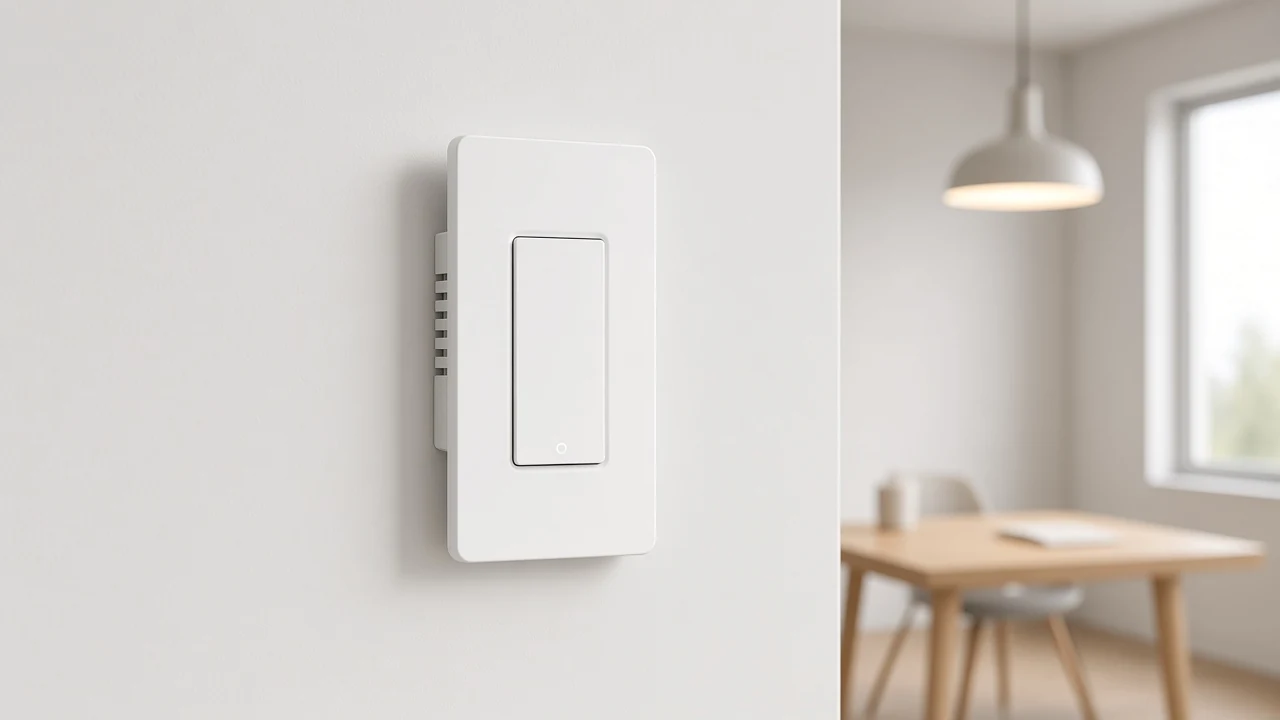
Picture a corridor plate outside a meeting room. The person leaving presses the rocker, and the ceiling circuit opens. Later, a coordinator closes that same circuit from the app before the next booking.
Both actions are one job: the state of that circuit. The radio path that carries the app request is a separate explanation in how a smart switch works.
Gang count tells you how many of those circuit jobs share one plate. A one-gang plate owns one circuit. A three-gang plate can own three, so each rocker should be named for its own load before a carton label is printed.
The hub adds no shared ampere rating across those titles. Only the specification table on the chosen URL does that.
A wall plate also stays useful when the network is quiet. Market explainers of ordinary smart light switch behavior say the paddle can still open or close the circuit when the extra handoffs are unavailable.
Copy that expectation only when the listing itself shows a button or a rocker. The US Wi-Fi page does. Its description calls out a button structure, so local press remains part of that model’s job.
A schedule hands the existing circuit a time. At 19:00 the circuit closes. At 23:00 it opens.
The plate is still the device that owns the conductors. The clock request uses that same device.
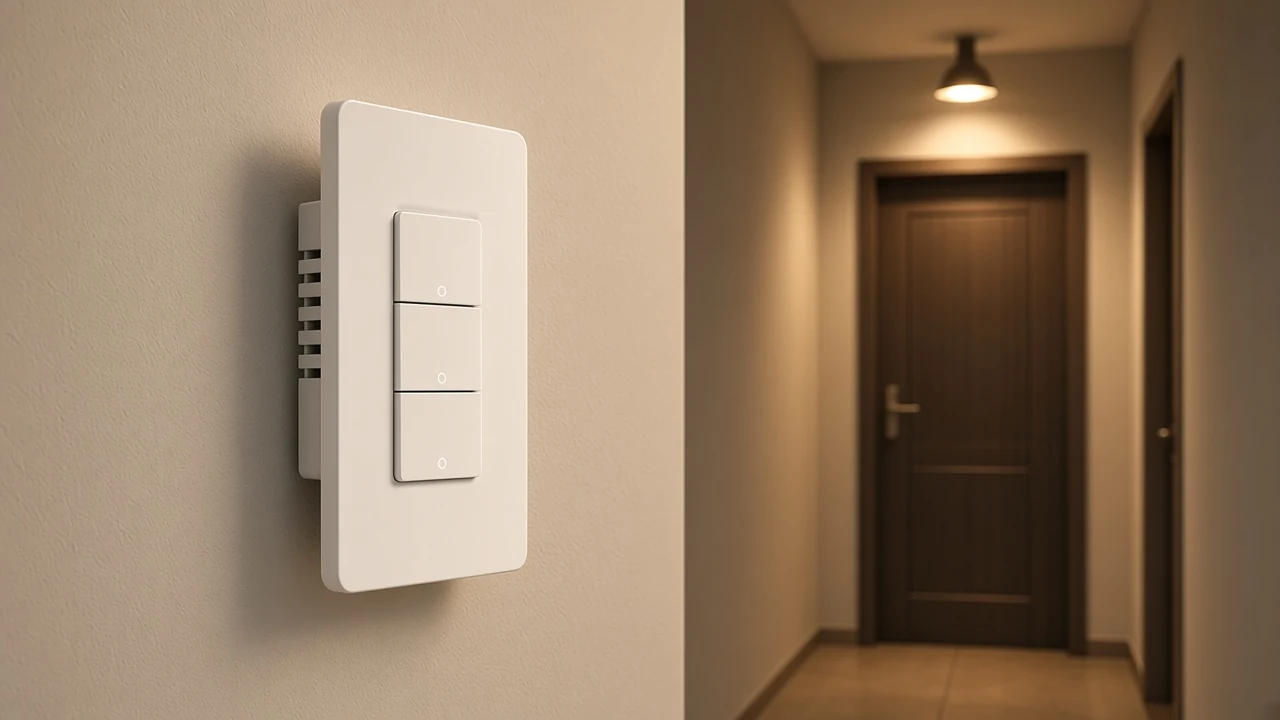
Think of a small showroom that should look occupied after the staff door locks. The lighting circuit on a gang can close at dusk and open at a set night hour. That is a timer handoff.
An occupancy sensor turns lights on when someone enters and off after the space stays empty. A federal lighting-control guide treats that pattern and a timer as different strategies, and it points predictable day-and-night spaces toward a timer.
The MOES titles read for this page never say the switch contains an occupancy sensor. If the project needs sensing, that device is a separate line on the quote.
Connected-home energy programs describe the same handoff in service language. A person sets rules and schedules, or an event such as leaving the building triggers an away state.
That language stays with the service package. These wall listings carry no energy-program mark, and they print no measured saving.
Daily taps, voice phrases, and showroom demo order are already laid out in how to use a smart switch. Here the only question is what the schedule is doing to the circuit.
A smart bulb changes its own lamp: on, off, brightness, and sometimes color, while the circuit keeps feeding it. The wall switch’s job is that feed. When the plate opens the circuit, the lamp goes dark, and a bulb that needs power for its own radio cannot take a new color command until the circuit closes again.
From the field: Installers keep running into the same split. Dumb lamps follow the electricity the plate supplies. Smart lamps stay powered and take software commands, so a plate that cuts that power leaves the lamp unreachable until someone restores it — home-automation discussions of wall power.
One boundary is enough for a channel sheet. If the project wants color, the lamp owns color. If the project wants a guest to open the ceiling circuit, the plate owns that circuit.
The decision matrix for choosing one side or the other is in smart bulb versus smart switch.
Some relays on the wider market can leave lamp power connected while the paddle sends a scene. That mode showed up in practitioner write-ups of other brands.
The MOES listings checked here omit any decoupled or detached mode. Leave it off the MOES line until a product URL says it.
Load class is the equipment the circuit is allowed to serve, copied from the live title. A lighting plate, a dimmer, a fan-and-light plate, and a curtain motor are four jobs. Mixing them on one line item is how a carton arrives for the wrong equipment.
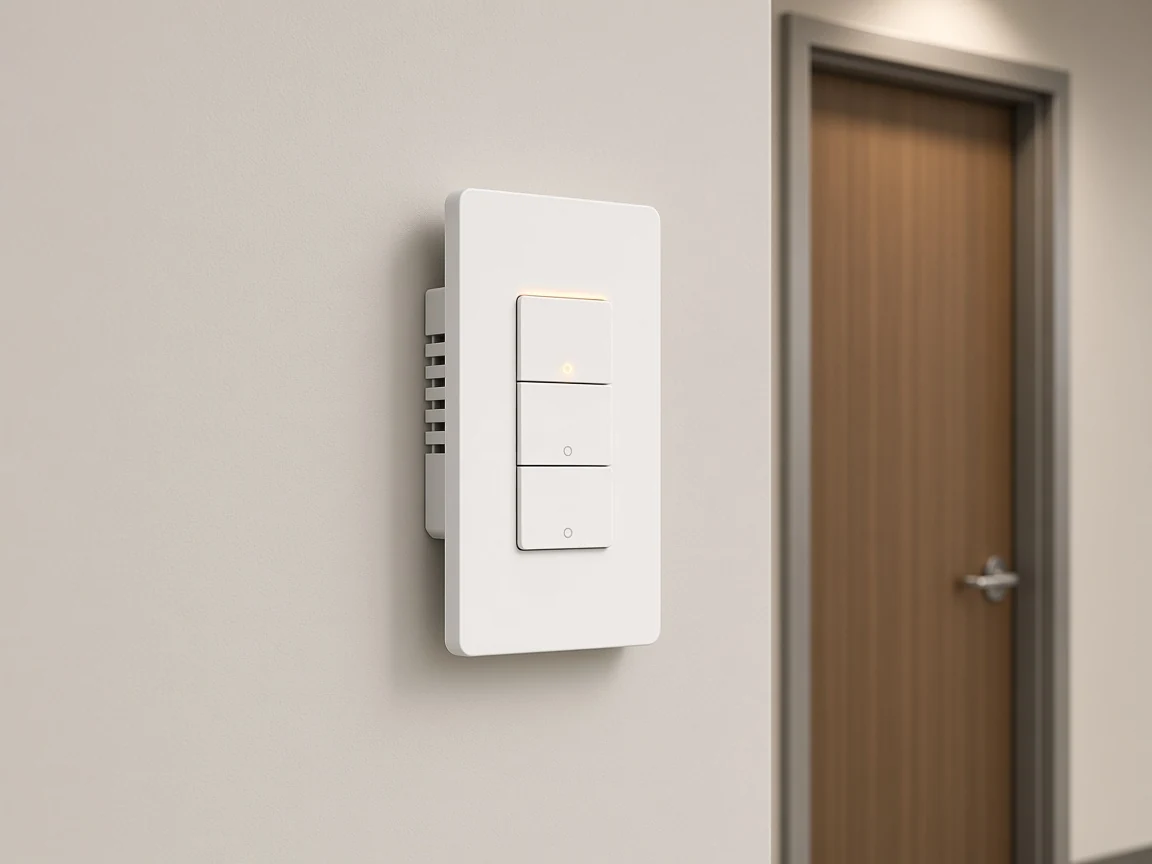
The hub’s own category text lists the types that are actually published: ZigBee3.0 push button, WiFi+RF433 touch wall, curtain and shutter, dimmer, ceiling-fan light, and a US version 1-4 gang Wi-Fi switch. It also says the category block does not add ampere or efficiency figures. Those numbers wait for the product page.
| Printed title job | Circuit job to quote | Protocol clue on the live title |
|---|---|---|
| Touch wall or US gang light switch | Lighting circuits, one per gang | WiFi, or WiFi+RF433, as that title writes it |
| Dimmer switch | Brightness of a lighting circuit | WiFi or Zigbee, as that title writes it |
| Ceiling fan light switch | Fan speed and lamp as separate controls | WiFi RF on the fan-light title |
| Curtain or shutter switch | Roller blind or electric curtain motor | Zigbee, and that curtain description names a hub |
The fan-and-light description on the hub says the listing controls fan and light separately, uses the home Wi-Fi network, does not need a hub, and uses three speed gears. Quote two controls. A plain lighting gang does not inherit the gear count.
The Zigbee curtain description is a motor for roller shutters and electric curtains, with timer and multi-control, and it says a Zigbee hub is required. That hub flag belongs on the curtain line only. The US Wi-Fi gang specification does not repeat it.
A scene is one named command that asks more than one circuit, or a lamp state, to change together. A single schedule usually asks one circuit to change at a clock time. The scene asks a group.
In a reception area, “open” might close the lobby lighting circuit and leave the sign circuit on its own gang. “Close” might open both. Each gang still has its own circuit job.
The scene is the handoff that requests them together. Where a listing prints multi-control, that word is the clue that a group handoff exists. Where the title is silent, keep a scene library off the datasheet.
Voice sits in the same family of handoffs when the title names Alexa or Google Home. The assistant requests a circuit change.
The rocker stays in place, and the load class stays as titled. A curtain motor stays a motor when a voice phrase can start it.
Color scenes are the lamp’s job again. A wall plate that only opens and closes a feed has no hue to set. If the quote needs both a guest paddle and a color scene, the sheet needs a wall listing and a lamp listing.
The power relationship has to come from those two pages. The wall job ends there.
After the job is named, four flags travel with the URL. They are copied, not redesigned. Neutral wire is one of those flags, and it changes by listing.
| Flag | Where to read it | What to copy |
|---|---|---|
| Load class | Product title | Lighting, dimmer, fan and light, or curtain |
| Gang | Title count, such as 1-4 gang or 1/2/3 gang | The plate the buyer will stock |
| Protocol | Title or the specification table | The Wi-Fi or Zigbee string that URL prints |
| Neutral wire | Title or the short description | Outgoing neutral, neutral required, or neutral or no neutral |
Three live titles already disagree, so a brochure cannot flatten them into one flag. The US Wi-Fi gang title says outgoing ground and neutral, and the description says those conductors use an outgoing-wire arrangement. The Star Ring Wi-Fi push-button title says neutral wire required.
The Zigbee wall title says neutral wire or no neutral wire, and it says no capacitor is needed. Record the sentence that belongs to the URL being quoted. Skip terminal sketches, torque, and box fill, and leave that packet with the installer.
Protocol is copied the same way. Wi-Fi 2.4GHz belongs on the US model because the table prints it. Zigbee belongs on the titles that print ZigBee3.0.
Matter is absent from the pages checked here, so it stays off the sheet.
For a lighting plate with more than one circuit, the concrete example is the US Wi-Fi gang switch, model WS-B-US. The title places it in the US version, at 1-4 gang, with outgoing ground and neutral, app remote control, and Alexa and Google Home.
That combination is a multi-gang lighting job plus a remote handoff. A curtain motor or a three-speed fan needs its own URL.
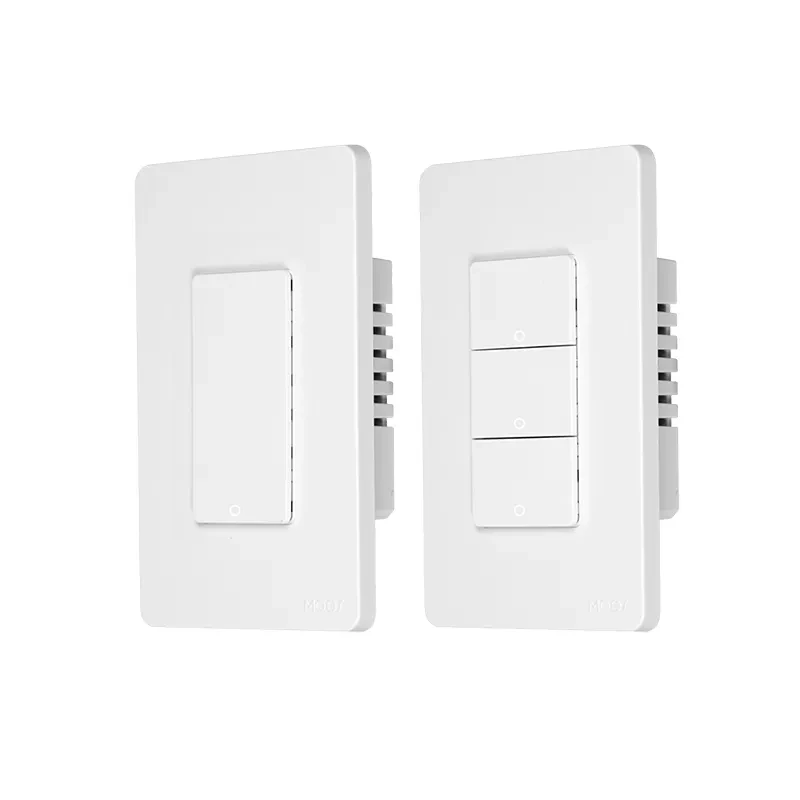
The specification block below is the only rating set used for that listing.
| Item | Printed value |
|---|---|
| Product type | WiFi Smart Switch |
| Model | WS-B-US |
| Voltage | 90-240V AC, 50/60Hz |
| Max current | 10A/Gang; Total 10A |
| Wireless protocol | Wi-Fi 2.4GHz |
| Frequency band | 2.412-2.484GHz |
| Maximum radio transmit power | <+16dBm |
Read the current limit as printed: 10A on a gang, and 10A total, on this model. A four-gang face still shares that total cap.
Voltage is the wide AC range in the same table, at 50/60Hz. The radio row is Wi-Fi in the 2.4 GHz band, with the frequency limits and the transmit-power cap in the same block.
Those figures stay on this model. Star Ring and fan-light URLs keep their own pages.
The description adds practical notes that affect the job, and it still withholds a wiring procedure. An iron plate in the frame lets a separately purchased metal panel and its screws be grounded. The supplied panel is the normal panel.
Ground and neutral leave the device as outgoing wires. The button structure is the local control a guest uses. The same description says the switch can sit in a Star Ring multiple-module panel in the US version, while the protocol string stays as printed.
The live hub counted 23 published products in this category when this page was checked, with no child categories underneath. Start from the hub, open the URL whose title matches the load class, and copy gang, protocol, and the neutral wire flag from that URL only.
Send the copied flags with quantity and destination market through Contact Us.
These wall listings do not print a watt-hour figure, so a bill claim would be a guess. A schedule can open a lighting circuit at a set hour, which removes that load from the feed. A smart bulb that must stay powered for its own radio is a different energy story, and the lamp page has to supply it.
They fit when the guest’s press has to change the circuit. The rocker or button remains the local control, and the app is an extra handoff. Listings that only make sense if nobody touches the plate are a poor match for a hallway.
The hub description for the ceiling-fan light switch says fan and light are controlled separately, with three speed gears, on Wi-Fi, without a hub. Quote two controls on that plate. A lighting-only gang does not pick up the gear count.
The curtain title is a roller-blind and electric-curtain motor. Its description adds timer, multi-control, and a Zigbee hub.
Use it for the motor circuit. Keep lighting gangs on the wall-light titles.
Ask which sentence the chosen title uses. Outgoing ground and neutral, neutral wire required, and neutral wire or no neutral wire are three different flags on three live titles.
Copy the one on the URL. Leave the copper arrangement to the installer packet.
Public search often answers with a phone copy tool that moves contacts, photos, and settings to another handset. On this site the same words point at a wall circuit. The noun article keeps those two products apart.
Copy the string the URL prints. For WS-B-US that string is Wi-Fi 2.4GHz, inside the band and power cap in the table above.
For a ZigBee3.0 title, copy Zigbee. Matter is absent from the pages used here.




OTHER SMART DEVICES
Jun 13,2026
OTHER SMART DEVICES
Jun 12,2026
TUYA SMART HOME PRODUCTS
Jun 12,2026
 +86 137 3639 3028



