


by NOVA

Sep 23, 2026
A what is smart home question, for a channel about to quote, has a short answer: a smart home is a residence where internet-connected devices share a control path — an app, a hub, or both — so lighting, sensing, and other systems can be monitored and managed together, including scenes. It is not one SKU, and it is not a mandatory Matter badge on every line.
The category home for these assortments is Tuya smart home products. This page locks the definition and the quote fields.
How crews document first-kit setup inputs lives on its own project-inputs article when that page is live. Benefits scoring stays on the benefits of a smart home RFQ checklist.
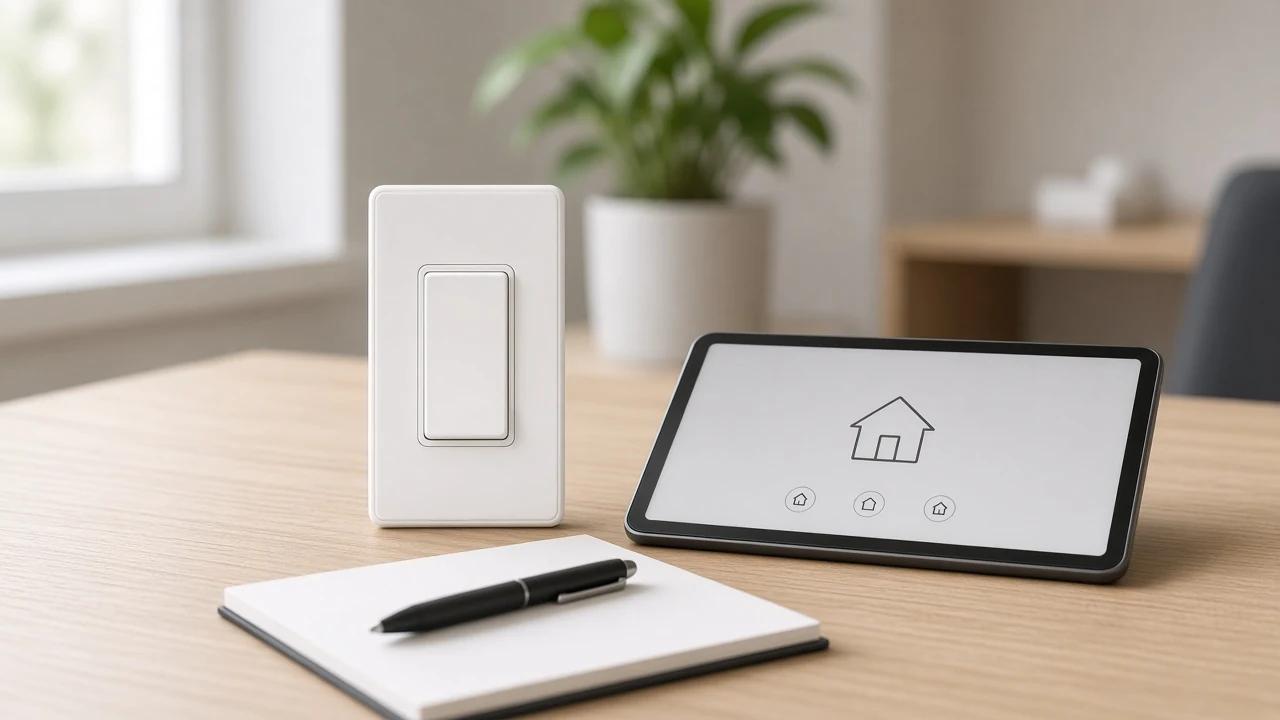
A smart home is a smart home system under remote or app management, not a pile of unrelated gadgets.
Independent technical guides describe a smart home as a residence that uses internet-connected devices so lighting, heating, and similar systems can be monitored and managed from elsewhere. Trade association language is even broader: any dwelling that uses connected devices to control and monitor parts of the home can count.
For a distributor, the useful cut is the control path. Smart home devices have to join something the channel can explain: a phone app, a voice assistant surface, a smart home hub, or a mix.
When that path is missing, the buyer only bought hardware. They did not buy a system the sales team can demo as one story.
A smart switch can be part of that system. It is still one device class. The smart home name covers the network of classes that share the path.
| Buyer language | Channel reading |
|---|---|
| “We need a smart home SKU” | You need a system definition, then an assortment |
| “Put Alexa on the quote” | Alexa is a control surface, not the whole system |
| “Everything is smart if it has Wi-Fi” | Wi-Fi is a path option, not the definition |
| “Scenes can wait until after the sale” | Scenes are part of what makes the system smart |
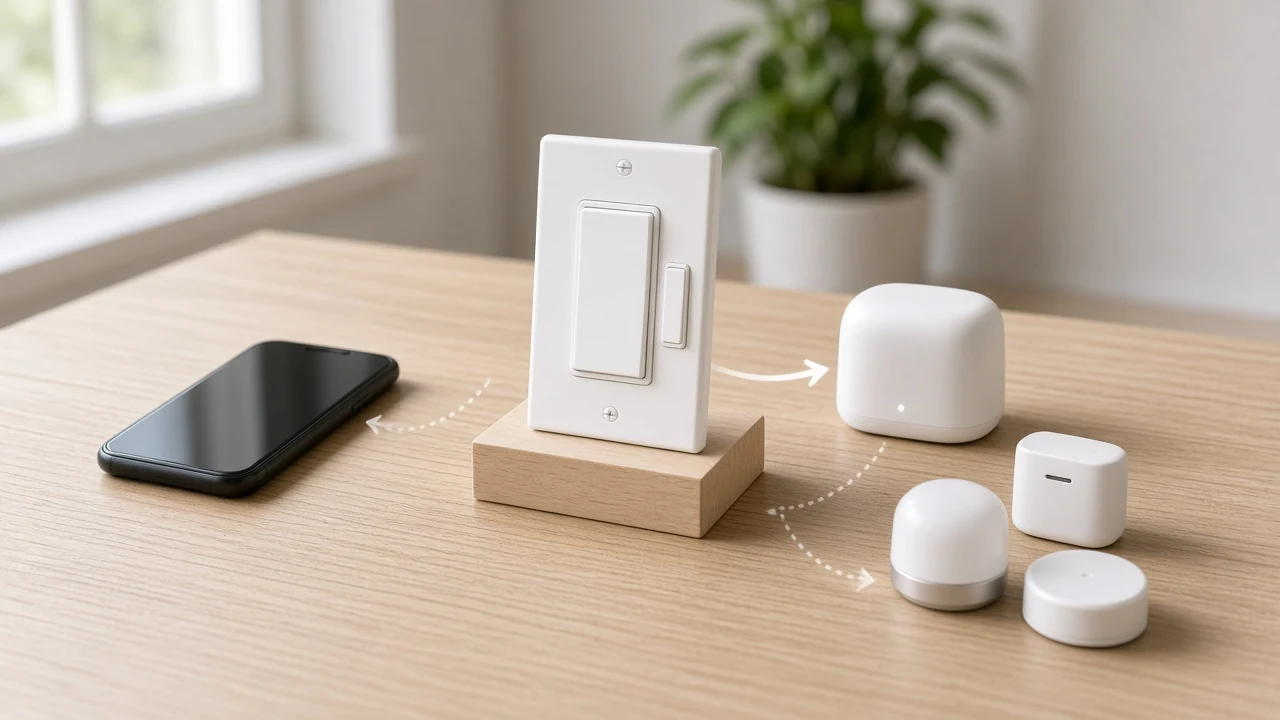
A smart home is not one catalog line, and Matter is not required for the name to apply.
CEDIA’s beginner guide says that, by definition, any residential property that uses connected devices can count. That sentence is useful for channel training. It stops a salesperson from treating one wall switch as the whole project.
Matter is a separate story. Technical explainers treat Matter as an interoperability standard that gained momentum after 2022.
It can matter for some RFQs. It does not rewrite the definition of a smart home, and it does not travel automatically onto every Wi-Fi SKU in a brand family.
Lock Matter only when the live product page prints it. The channel definition of Matter stays on what buyers should clarify about Matter.
| Claim that shows up in RFQs | Safer quote stance |
|---|---|
| “This one SKU is the smart home” | Reject; list classes and rooms |
| “All smart homes need Matter” | Optional; page-scoped only |
| “Wi-Fi means Matter” | False; copy the wireless protocol from the SKU page |
| “Hub means Zigbee means Matter” | Different layers; keep them on separate lines |
Important: A Wi-Fi Star Feather US page that lists wireless protocol as Wi-Fi does not become a Matter claim because a slide used both logos. Keep Matter off that line unless a different live page prints it. — source: MOES Star Feather US product page
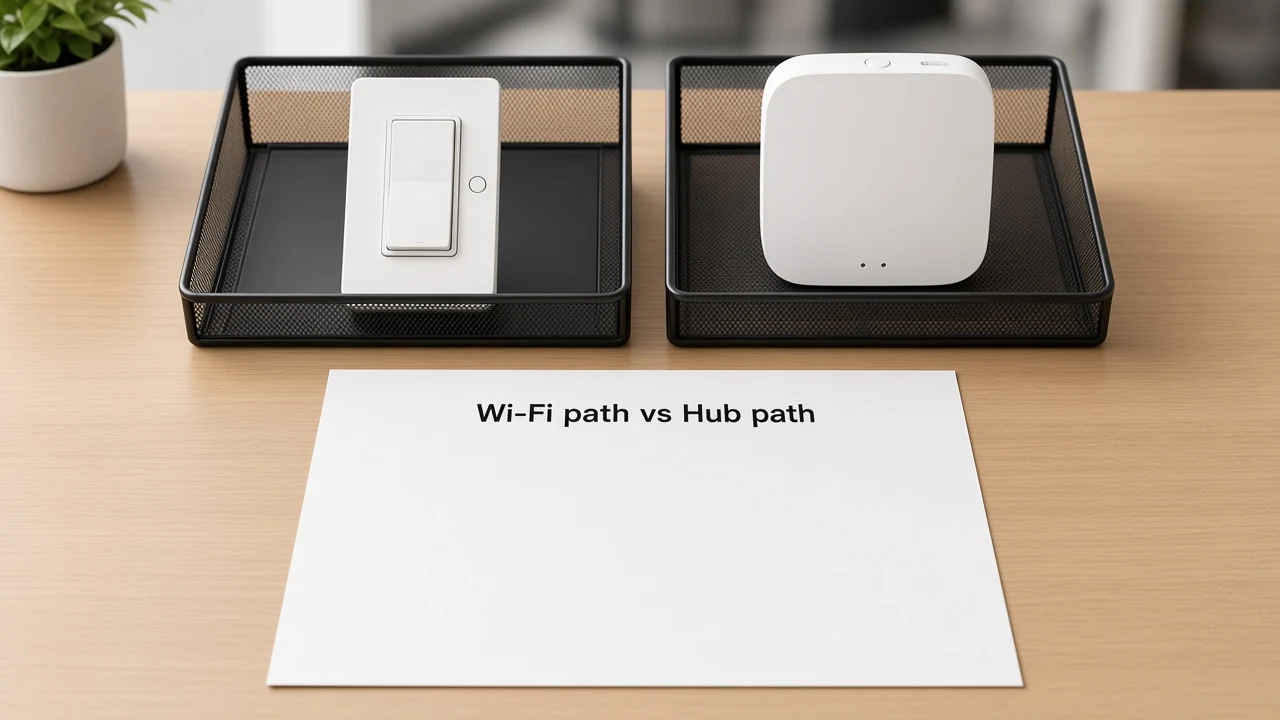
Architecture is a quote field. Price Wi-Fi-direct devices and hub-required devices as different kits until the path is locked.
Community threads show the decision in plain language. A novice who already owns Wi-Fi plugs and bulbs still asks whether to stay Wi-Fi-only or add a ZigBee hub before buying more. That is the same decision a channel must freeze before an assortment quote.
Wi-Fi path means end devices join the site access point. Hub path means Zigbee (and similar) end devices need a gateway on the bill of materials so the app can see them. Mixing both without naming the hub line is how incomplete kits ship.
Deep comparison of those paths stays on smart home hub vs Wi-Fi. Protocol wording for Zigbee stays on what is Zigbee. This page only requires the path to be written before SKUs are stacked.
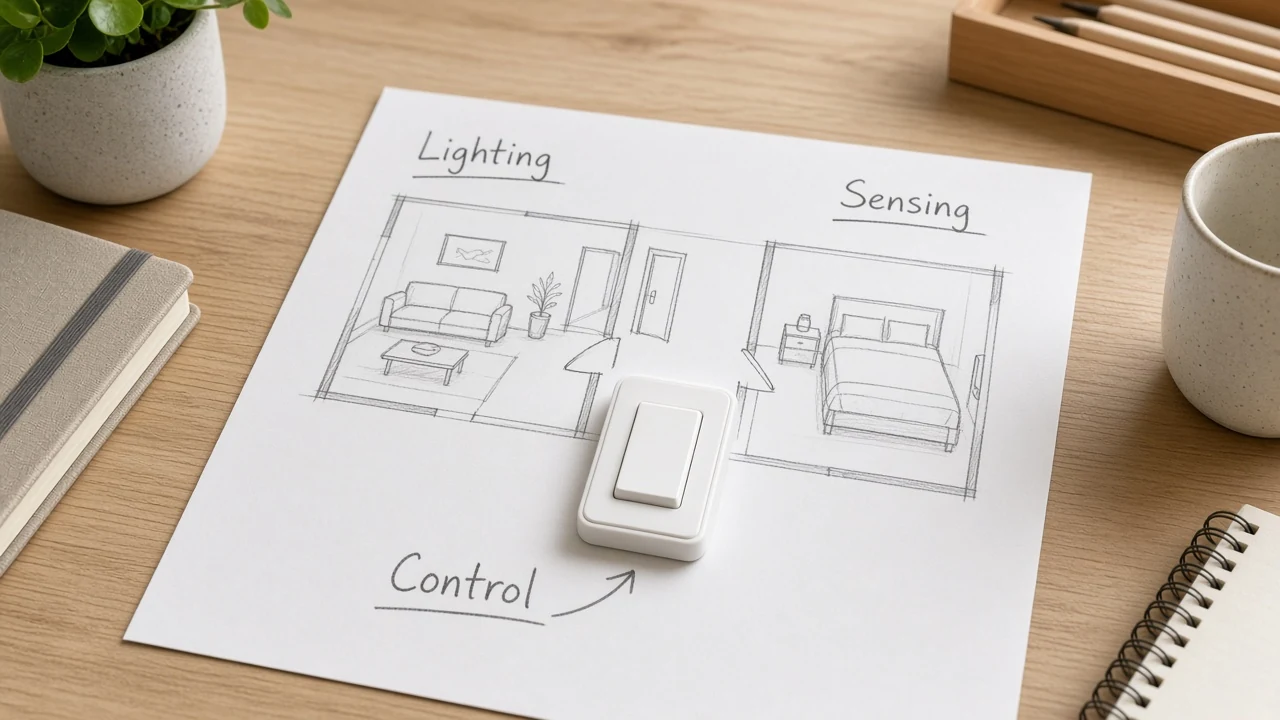
Quotes need class labels. They do not need a full taxonomy rewrite on this page.
CEDIA groups common components as lighting, thermostats, security, and appliances. Channel assortments often start simpler: lighting control, sensing, and hub or gateway when the path needs it.
Novice forum language keeps proving why the label matters. Users ask whether bulbs are Wi-Fi or Zigbee before they ask which automation to build. If the radio class is wrong, the hub line is wrong.
Use short class names on the quote. Point buyers who need a full map to smart home device types and types of smart home sensors. Do not paste those taxonomies here.
A practical starter sheet might list living-room lighting, hallway sensing, and one control path. Counts come after labels. Labels come after the architecture line.
Lock architecture, device classes, account or region, and rooms before you name a starter assortment.
These four fields prevent the most common incomplete quotes. Architecture decides whether a hub SKU is required. Device classes decide which product families belong on the sheet.
Account and region decide who owns commissioning and which app cloud the devices will join. Rooms decide scope so the buyer cannot treat a two-room pilot as a whole-house kit.
| Field to lock | What the channel writes | Failure mode if skipped |
|---|---|---|
| Architecture | Wi-Fi path, hub path, or an explicit mix with hub SKUs named | Zigbee sensors arrive with no gateway |
| Device classes | Lighting, sensing, control, hub — as needed | Random SKU stacking |
| Account / region | Admin owner and app region for the project | Orphan devices on a demo login |
| Rooms / scope | Named rooms for the starter assortment | Pilot scope expands after pricing |
How installers document those inputs for first deployment belongs on the setup project-inputs package. This definition page only requires the fields to be named before the price.
Scenes and schedules are part of what makes the system smart, not a decorative add-on after the sale.
Technical explainers describe smart home devices that follow schedules or respond to triggers, and that share a primary controller or app. A rocker that only toggles a load locally is useful hardware. A smart home story appears when that rocker can join a named “away” or “evening” scene with other devices on the same path.
Some wall-switch families also expose lighting modes and scene modes in the app. Treat mode rules as product-page facts when you recommend a specific SKU.
The definition point is simpler: if the quote never mentions scenes or automations, the channel is still selling devices, not a system.
After the definition and the lock fields, a bounded MOES example can illustrate one path — not the whole category.
For a Wi-Fi-path starter, the live MOES Tuya WiFi Star Feather Series US Switch page states wireless protocol Wi-Fi, voltage 90-250V AC at 50/60Hz, max current 10A per gang with total 10A, and frequency band 2.412–2.484 GHz. It does not print Matter. Use it as a wall-switch example inside a Wi-Fi-path assortment after rooms and classes are locked.
For a hub path, the live MOES Tuya ZigBee wireless smart gateway hub page states a ZigBee hub for Tuya ZigBee 3.0 products, notes that the hub must work in the 2.4 GHz Wi-Fi band, and lists electrical parameters 5V 2A.
A matching end device such as the ZigBee 3.0 smart dimmer switch relay module states that a Tuya ZigBee hub is required. Quote those lines together. Do not sell the module as a complete hub-path kit by itself.
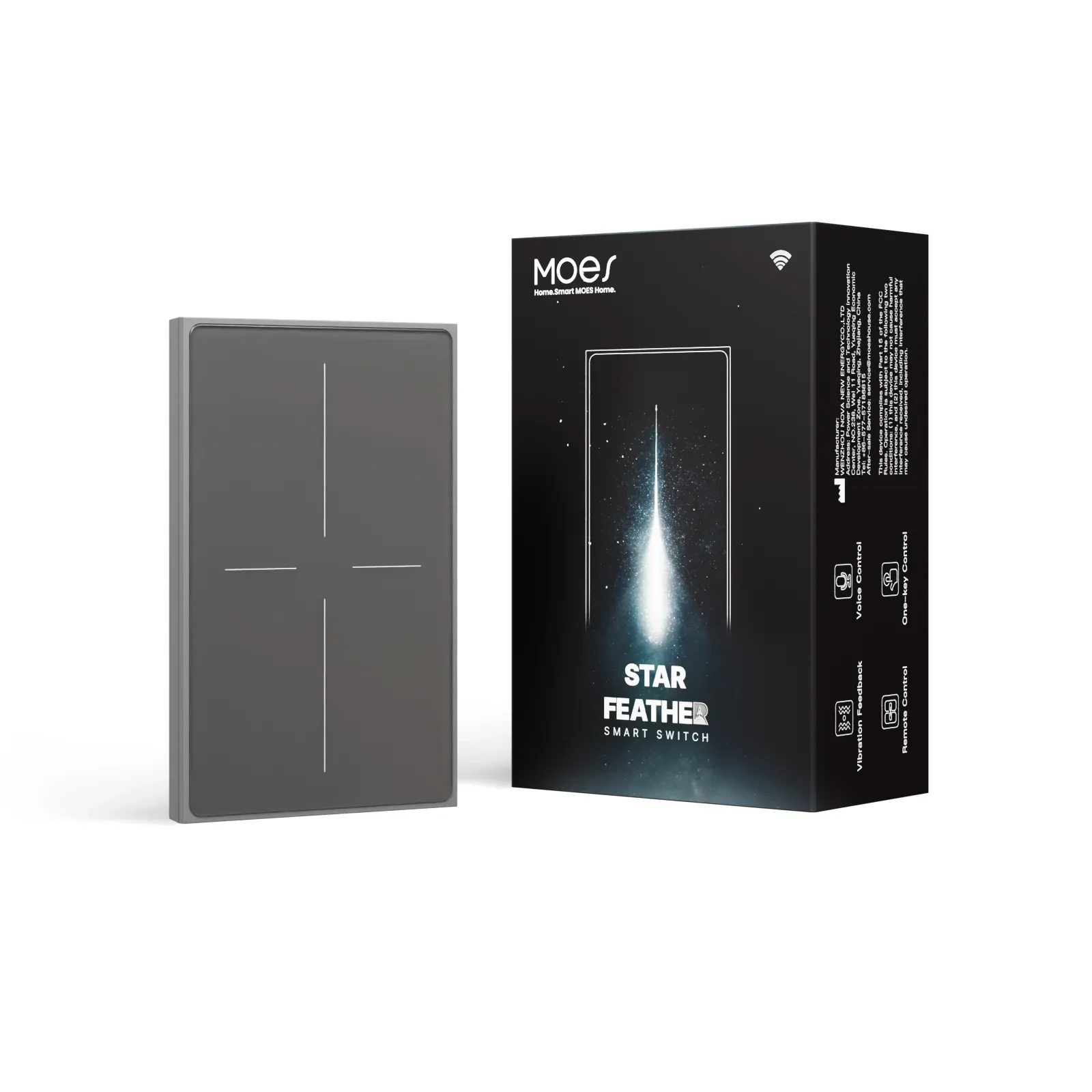
Neither path turns one switch into a smart home. The system still needs the control path, the classes, and the rooms you locked above.
A home qualifies when connected devices share a control path so systems can be monitored or managed together. One connected gadget can start the story. A channel quote still needs classes, path, and scope before it is an assortment.
No. The name describes a system. A single switch, plug, or sensor is a class inside that system, not the whole smart home.
No. Matter is optional and page-scoped. Require it only when the live SKU page prints Matter and the RFQ asks for that interoperability layer.
Pick one architecture first, or write an explicit mix with hub SKUs named. Do not stack Zigbee end devices onto a Wi-Fi-only sheet without a gateway line.
No. A voice assistant is a control surface. The smart home is the connected devices plus the path that joins them, which may include Alexa or another app.
Lock architecture (Wi-Fi vs hub), device classes, account or region, and rooms. Then name SKUs that match those fields.
Scenes and schedules are system behavior across devices on the same path. They help separate a smart home story from a single local switch.
No. Fees, if any, are product- and account-scoped.
Copy them from the app or SKU terms that apply to that project. Do not invent a universal monthly charge for every smart home quote.




OTHER SMART DEVICES
Jun 13,2026
OTHER SMART DEVICES
Jun 12,2026
TUYA SMART HOME PRODUCTS
Jun 12,2026
 +86 137 3639 3028



